How to delete/merge a company in Passport
This article will show you how to delete/merge a company in Passport. To have access to do this, you will need to be a Super User or an Airport Administrator.
IN THIS ARTICLE
How to delete/merge a company in Passport
1
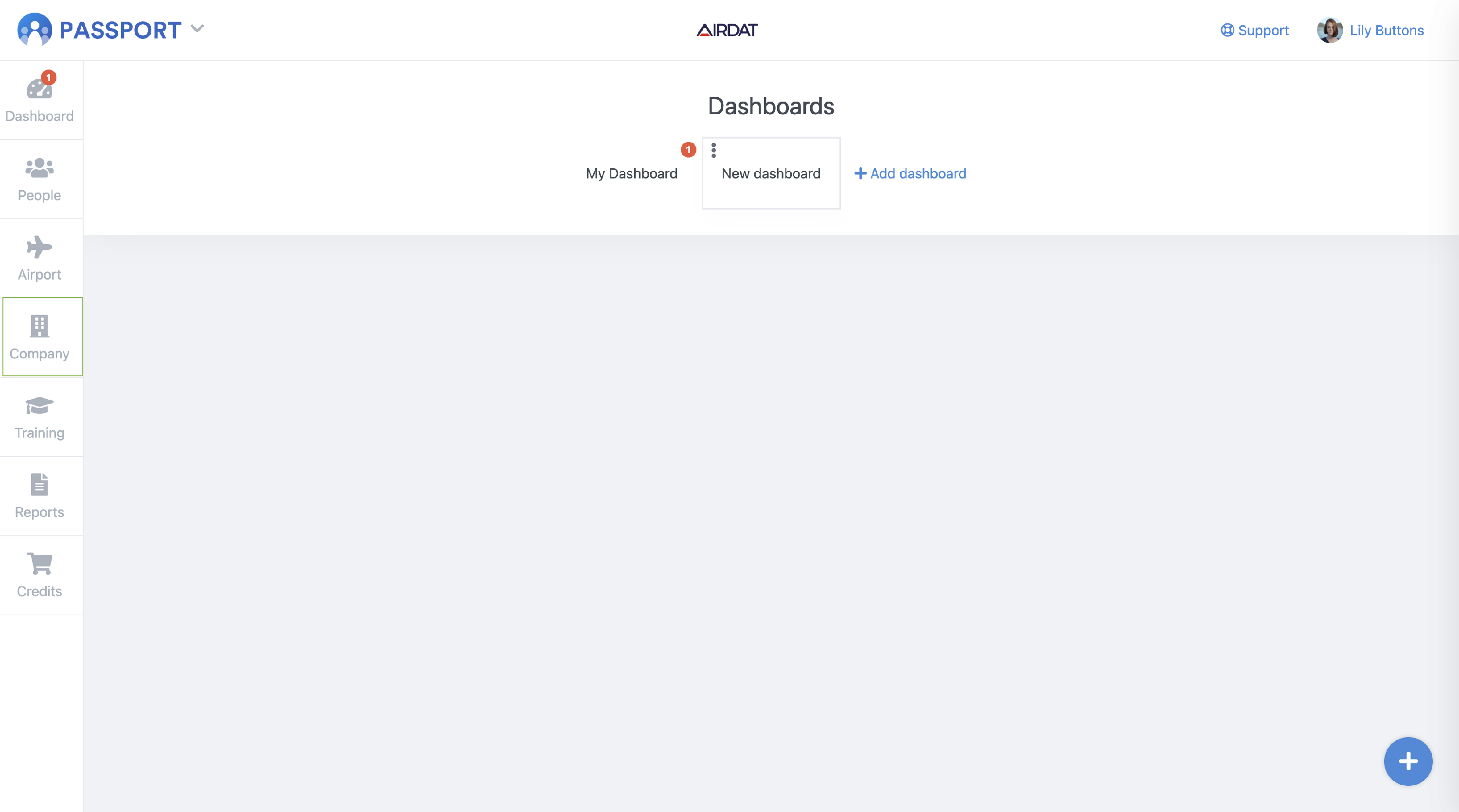
Firstly, log into your 'Passport' account and head to the 'Company' tab on the left-hand toolbar.
2
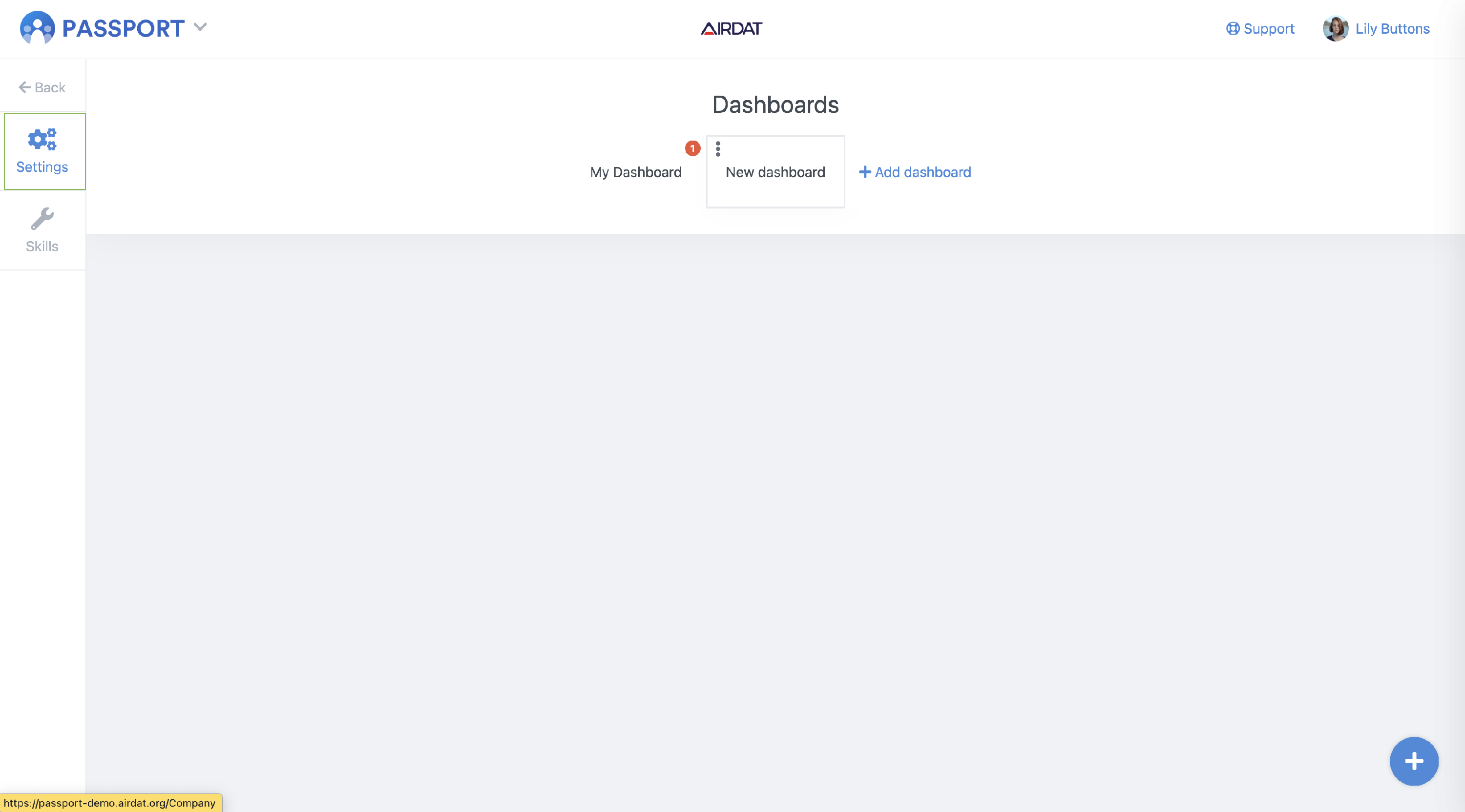
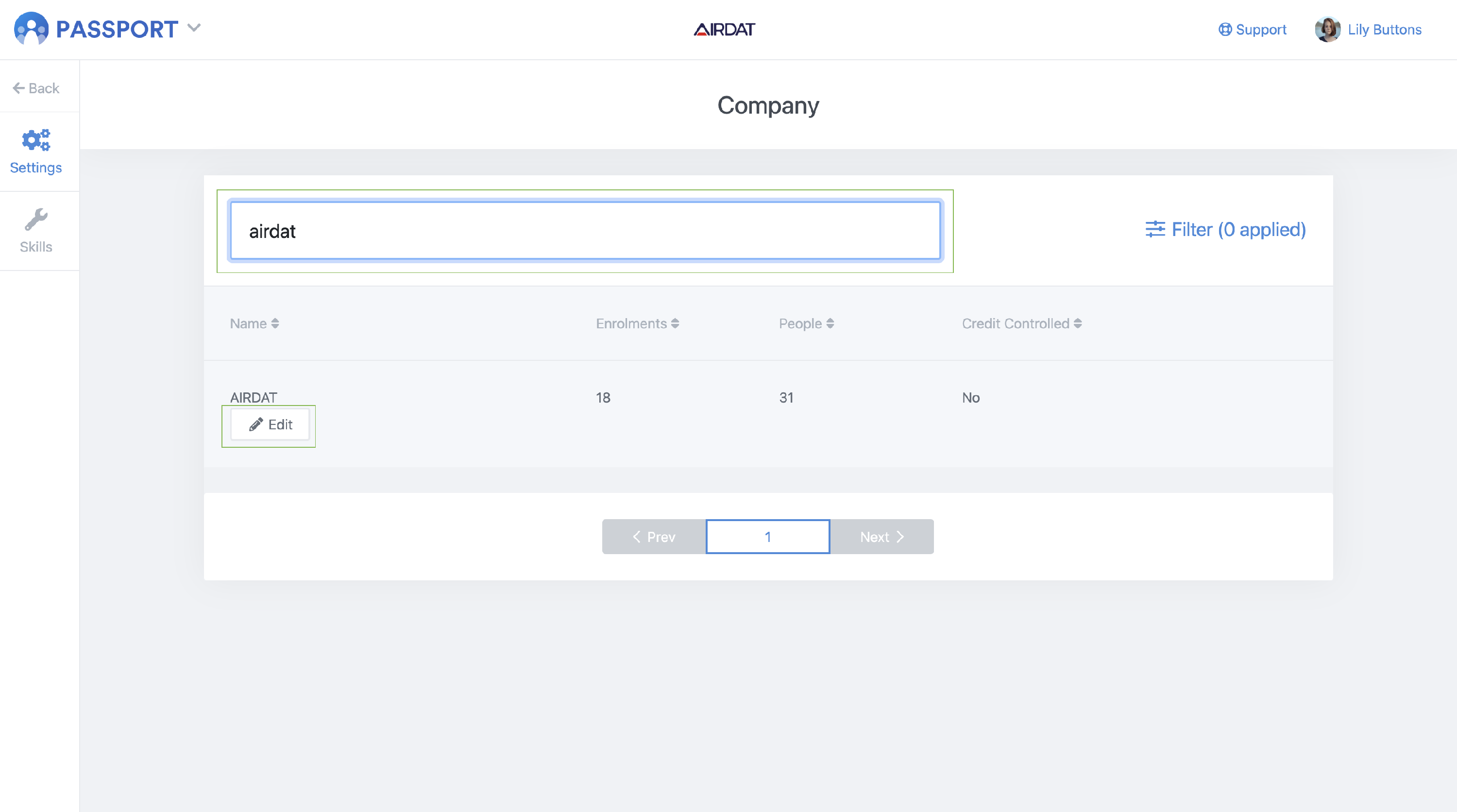
Then click 'Settings' and search for the company you wish to delete or merge with another company. Once the company name is found, select 'Edit'.
3
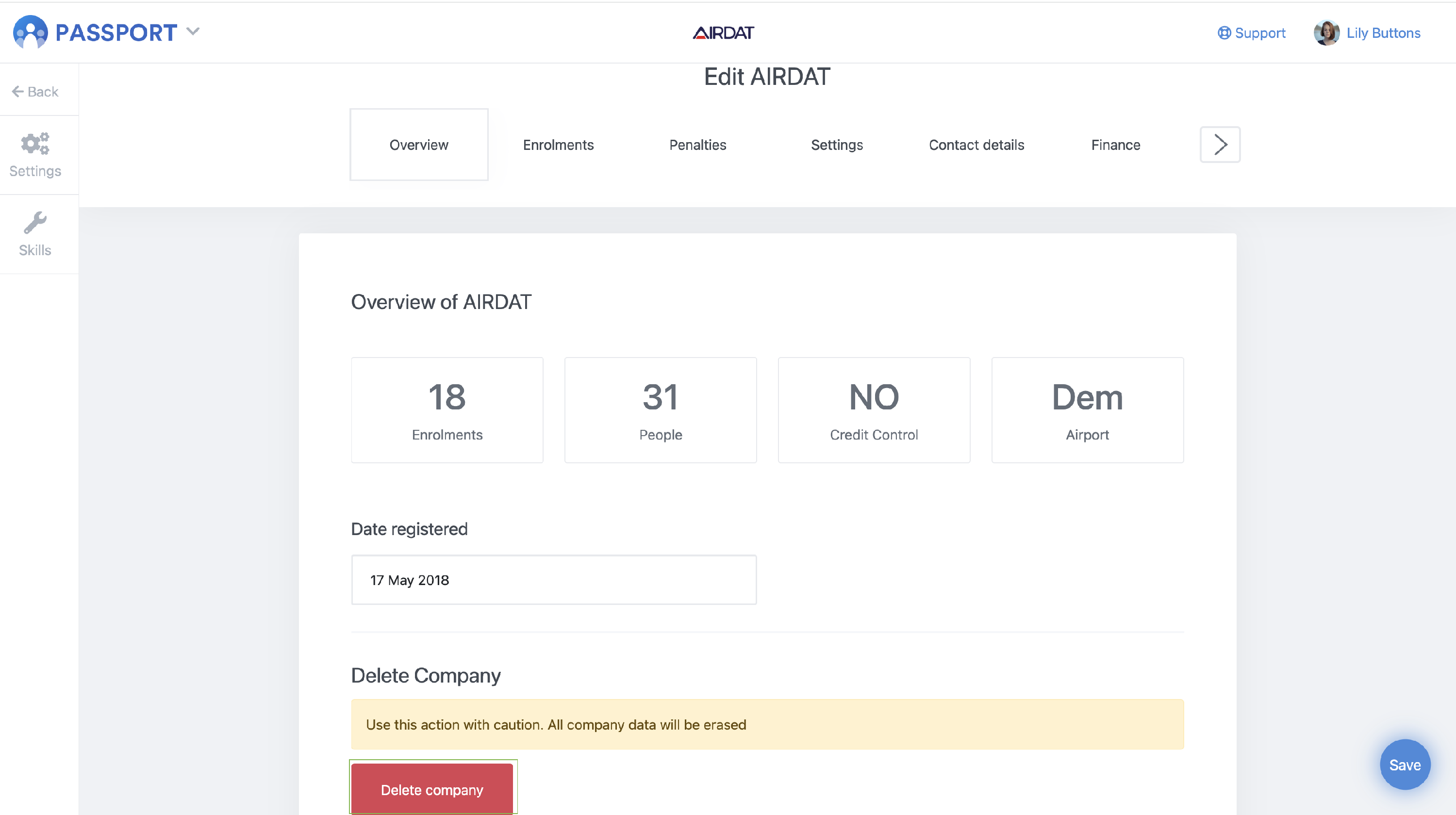
In the 'Overview' section you will see a 'Delete company' button.
4
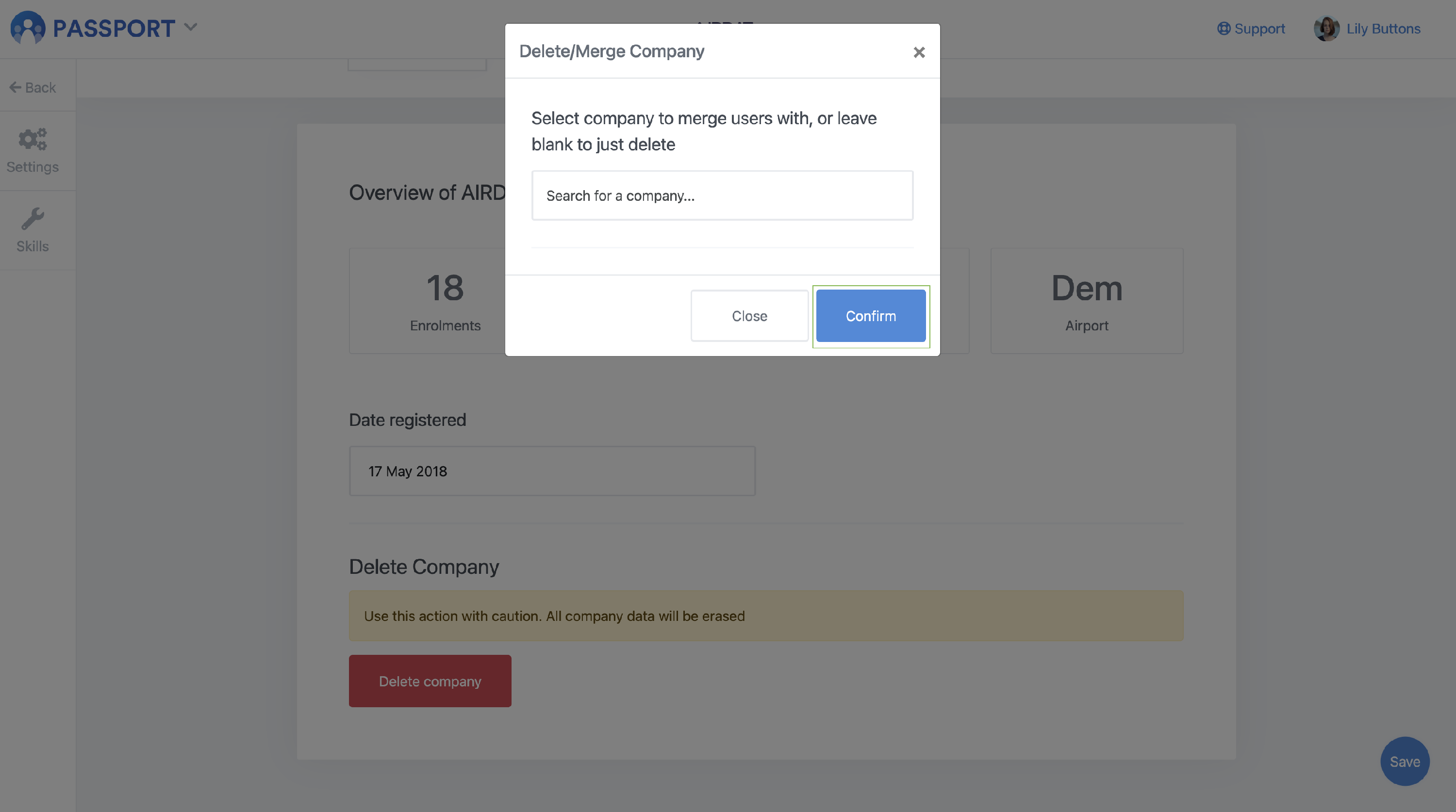
You will then see the below pop up box, if you wish to just delete the company then you should simply click 'Confirm'. The users within the deleted company will then be archived. Within a certain period of time, users can be restored, please get in touch with help@airdat.org for further information.
5
If you wish to merge the company with another then enter that company name into the 'Search for a company' box and then select 'Confirm'.
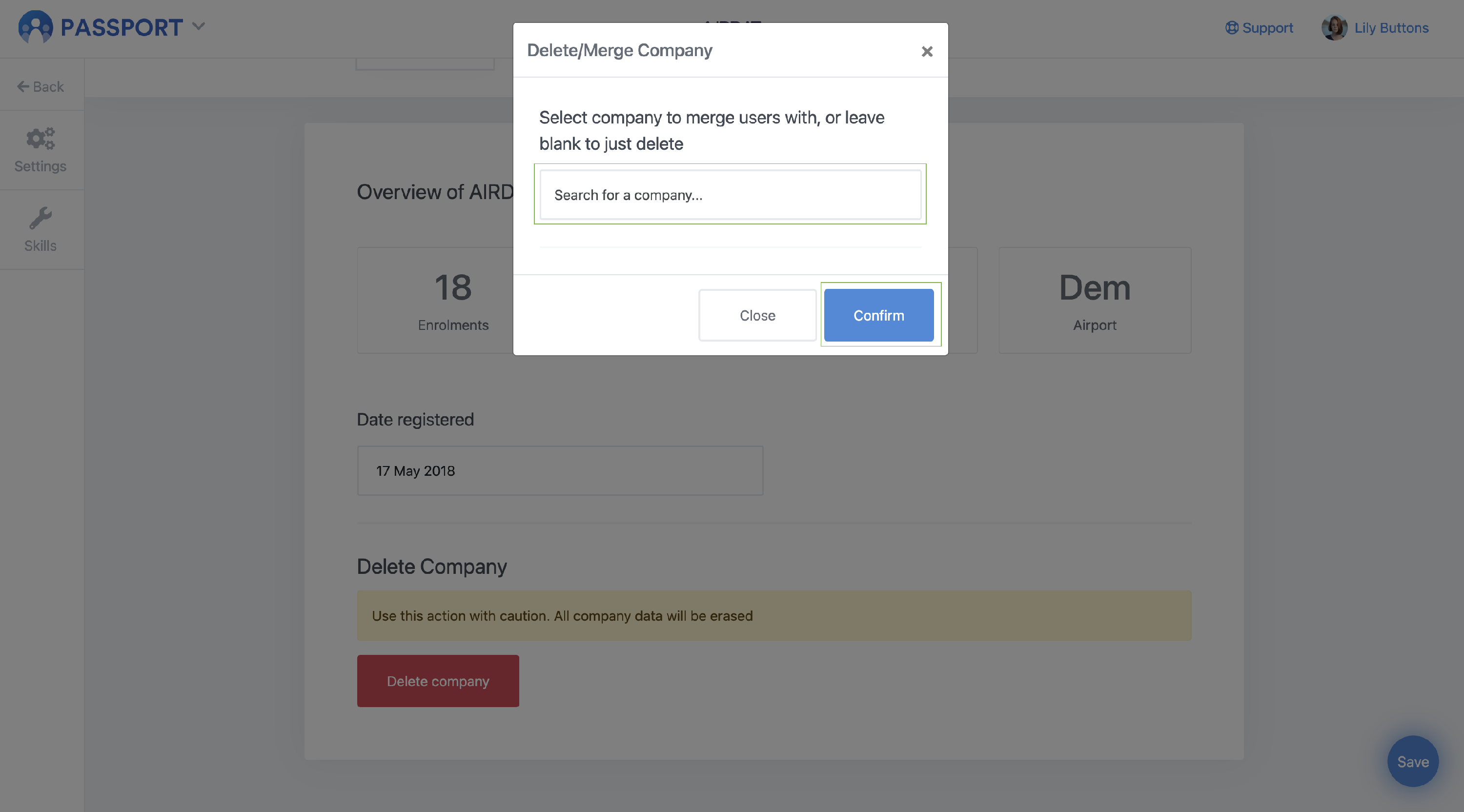
Please note: When a company is merged, outstanding bookings/training will be transferred to the new company. Depending on your airports invoicing process, Invoices that have already been produced may not be migrated to the new company.