Reporting for Manchester for Coach Pick-Ups and Drop-Off Permits
This guide provides a guide for how to run a report for coach applications.
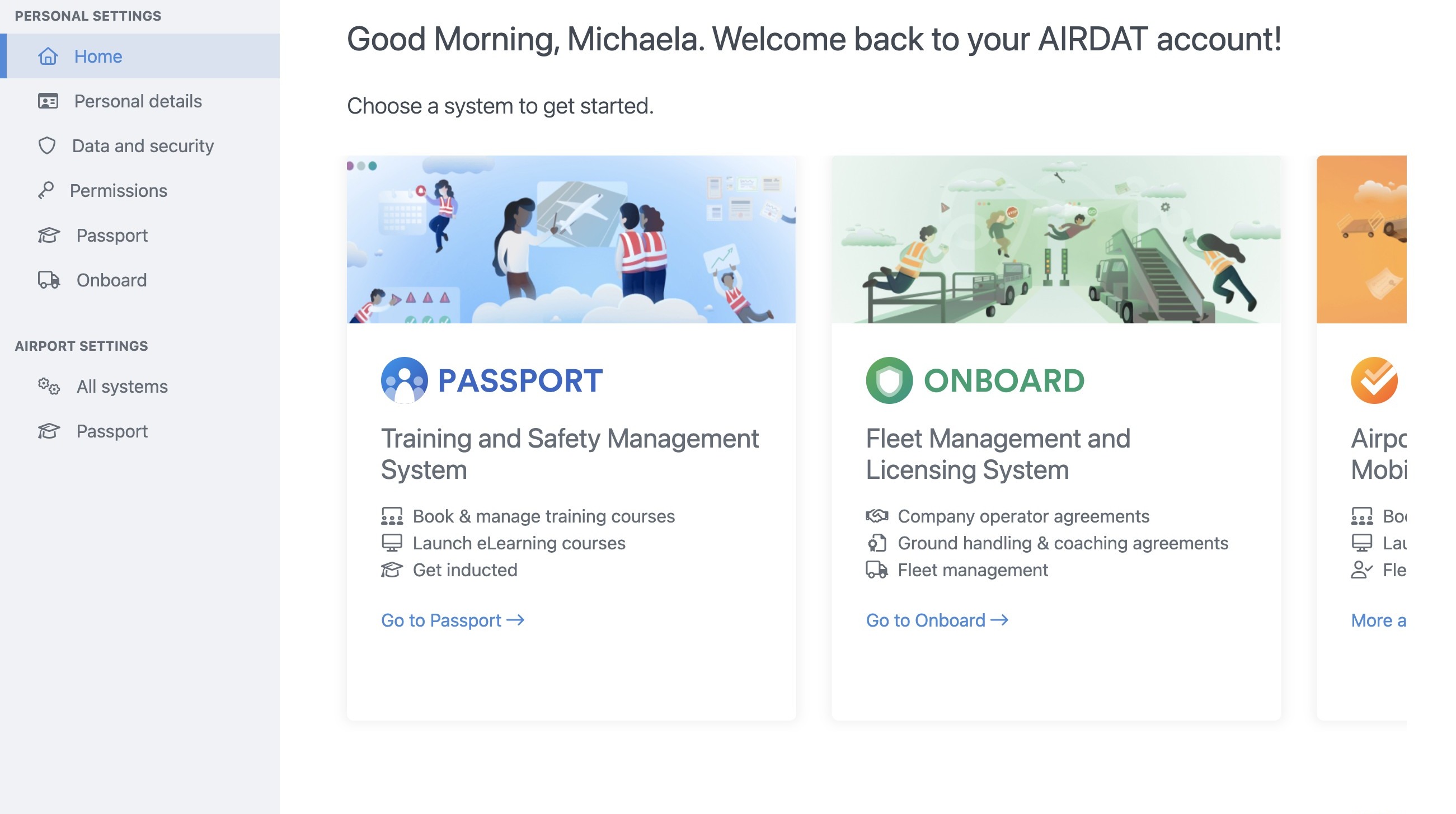
1. Navigate to www.airdat.org
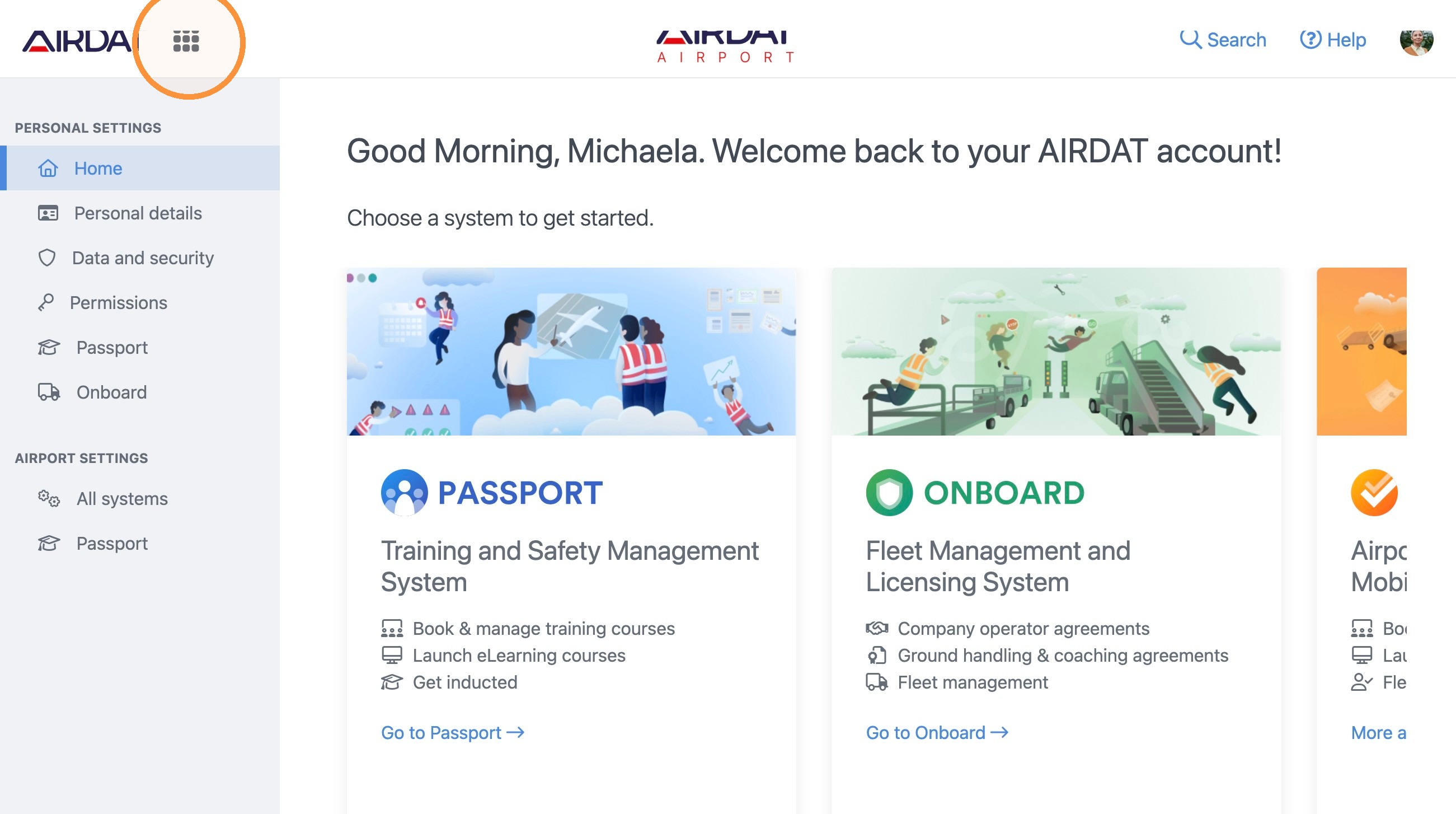
2. Next click here.
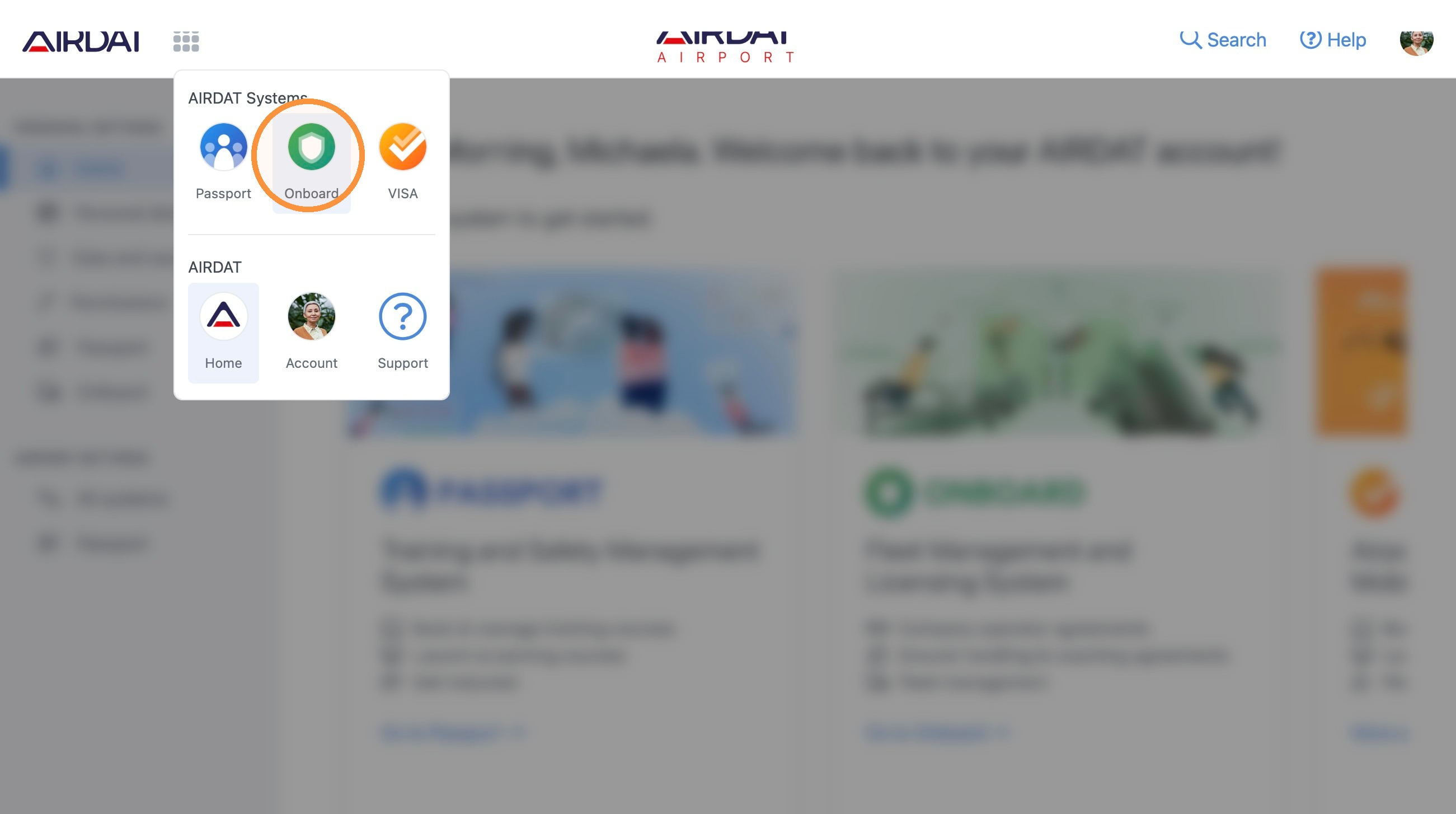
3. Now, select 'Onboard'.
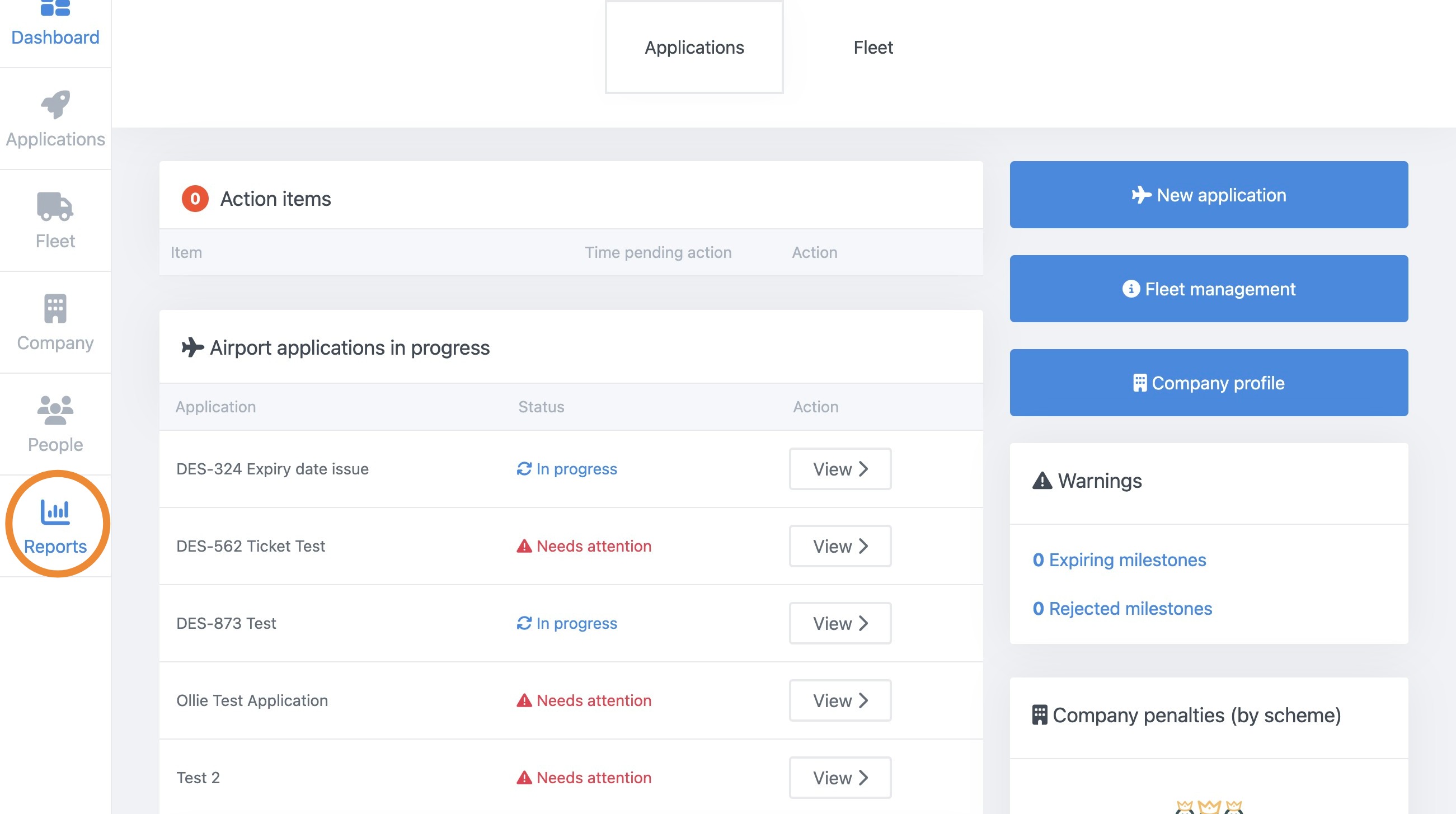
4. Now, on the left-hand side, select 'Reports'.
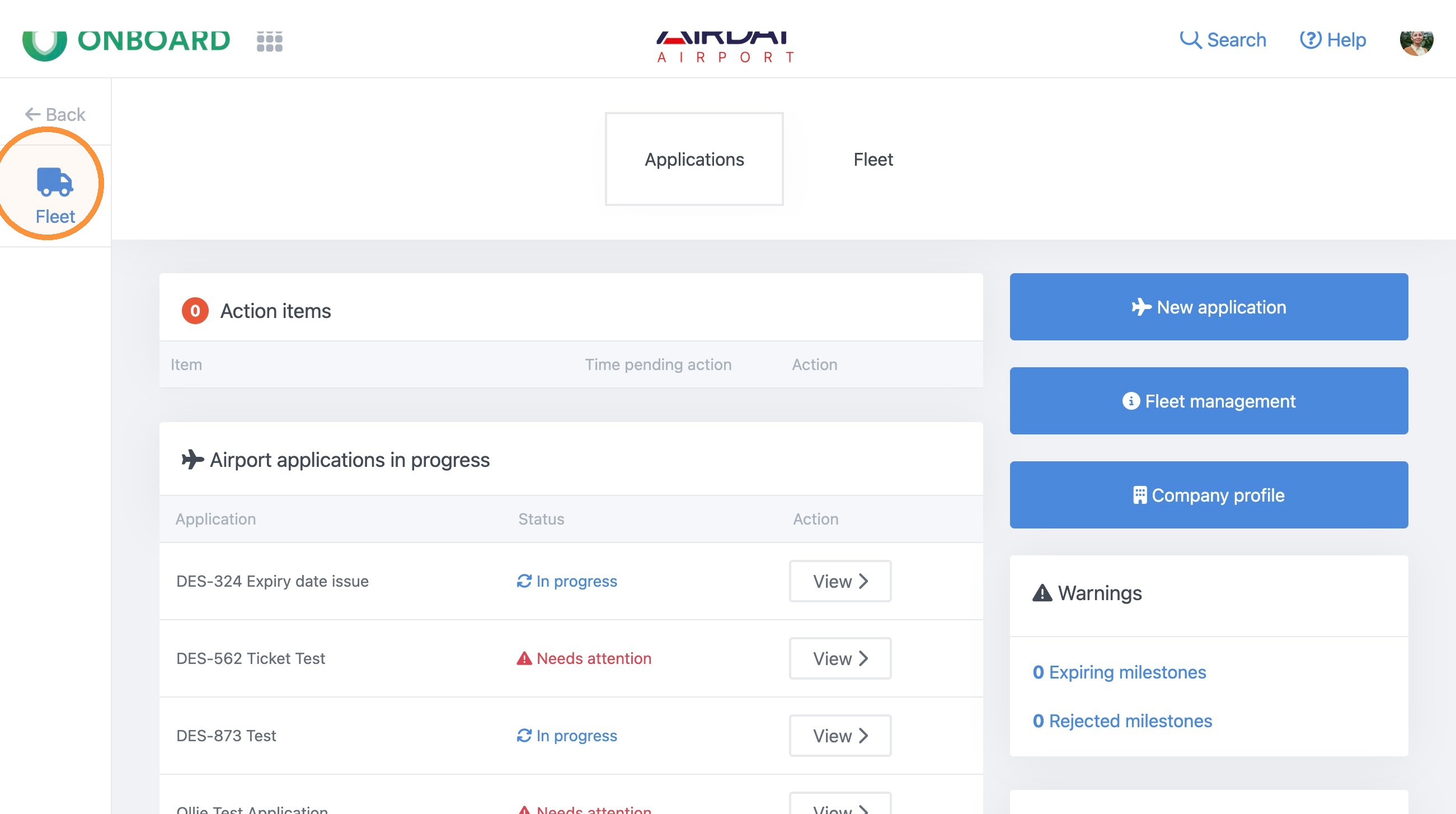
5. Next, select 'Fleet'.
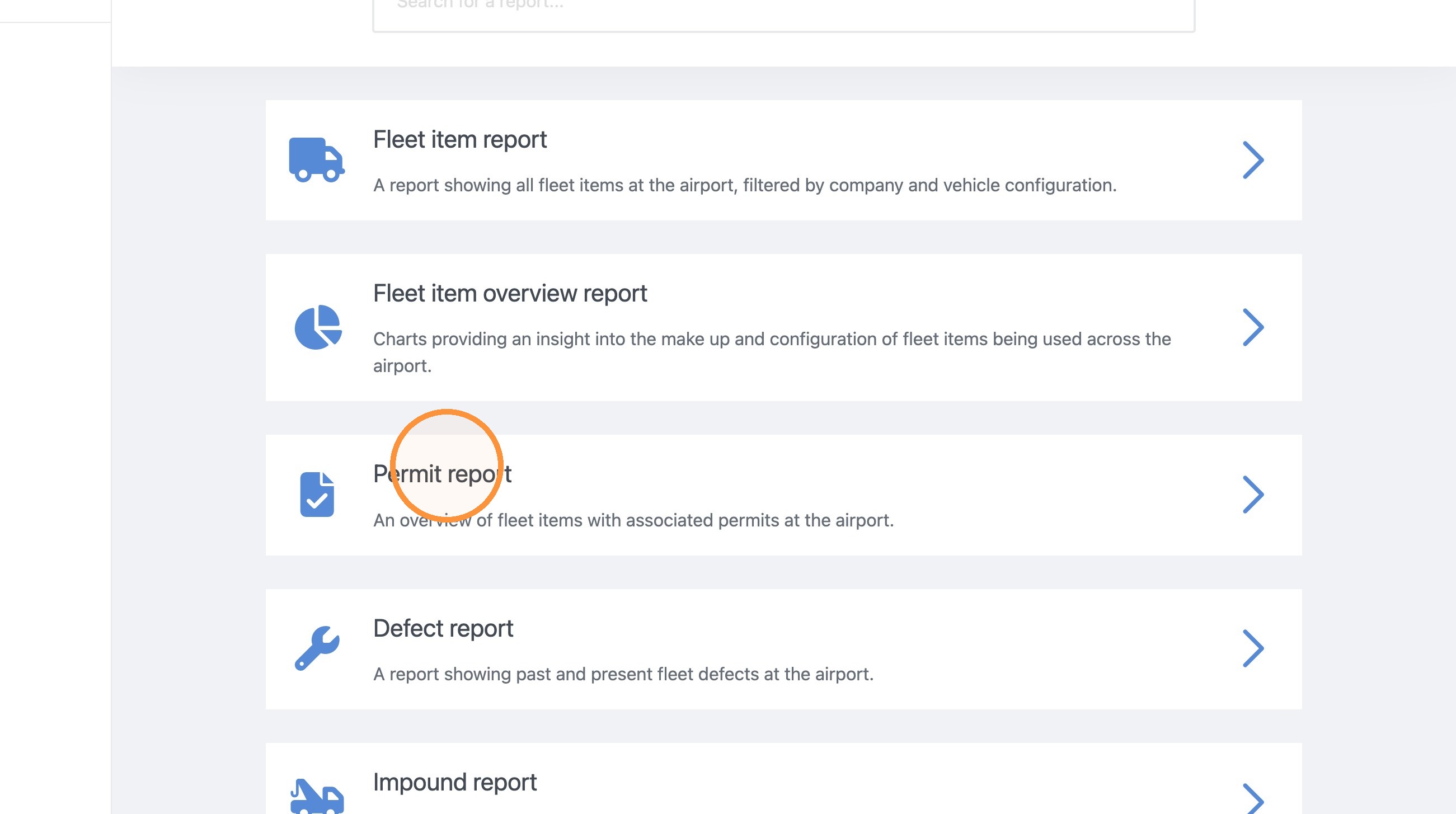
6. Scroll down and select 'Permit report'.
7. Now, fill in all the details for your report.
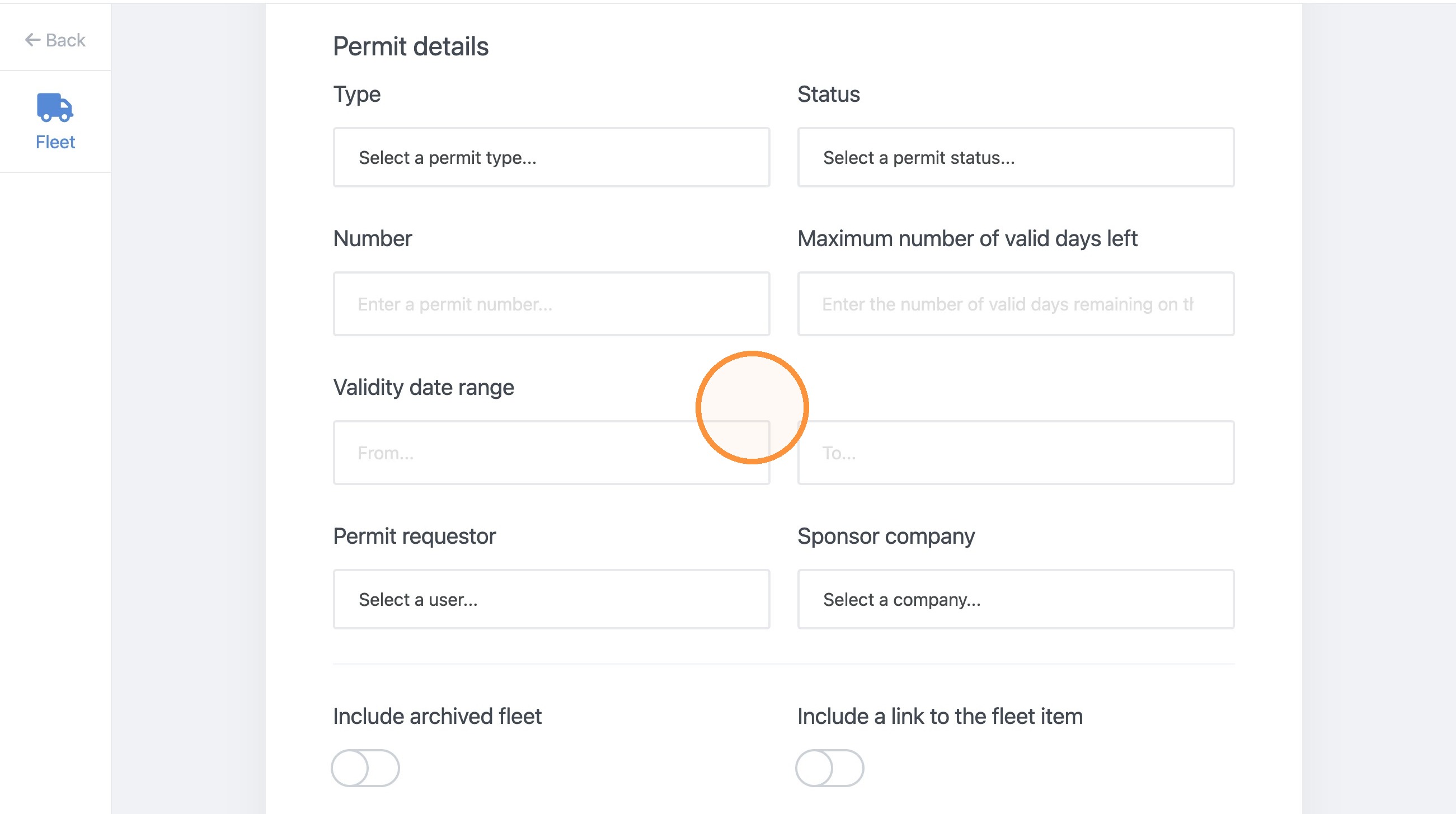
8. There is also an option to toggle on/off 'Include answers provided in the vehicle permit report'.
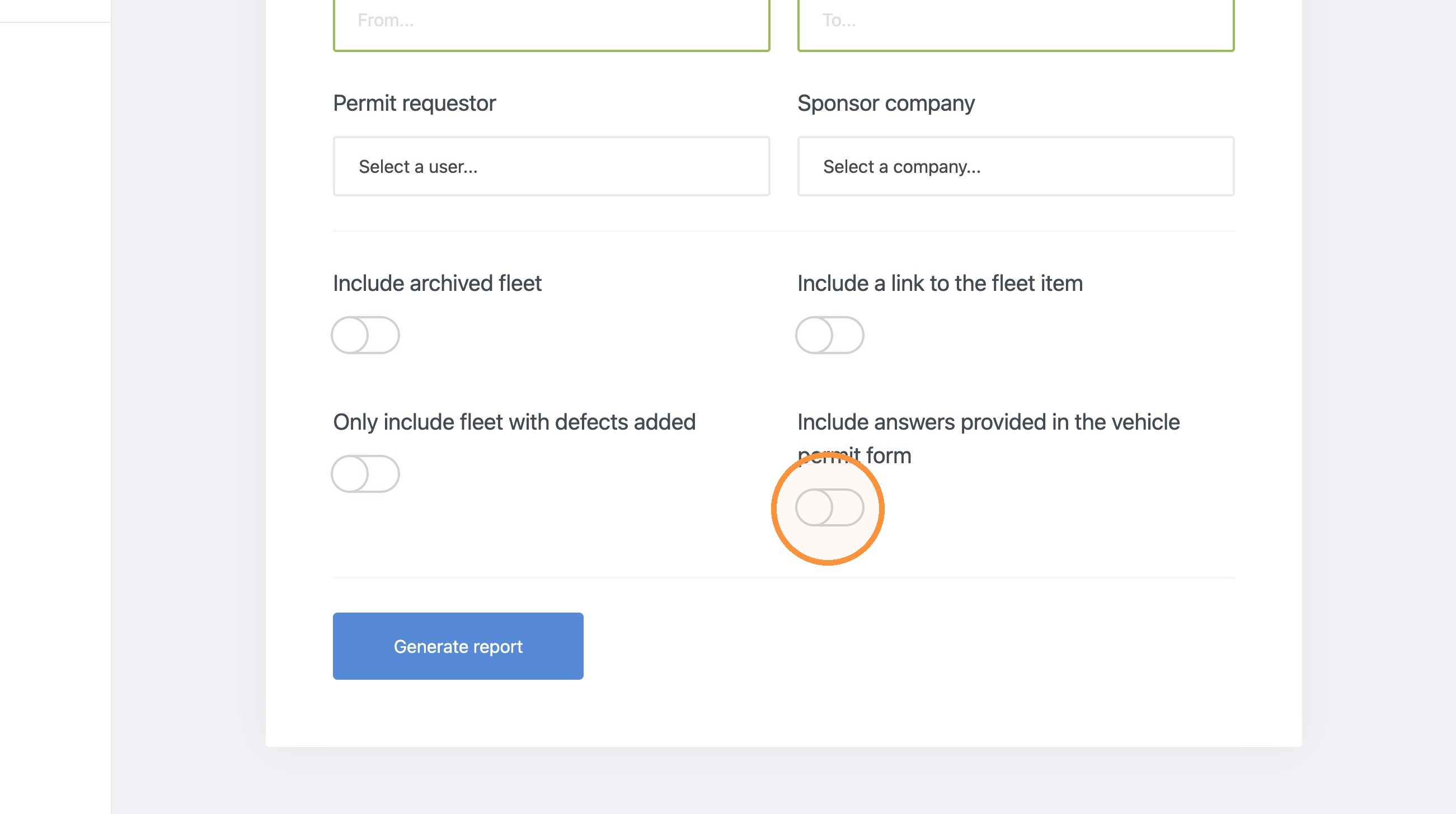
9. Once this is toggled on, select "Generate report".
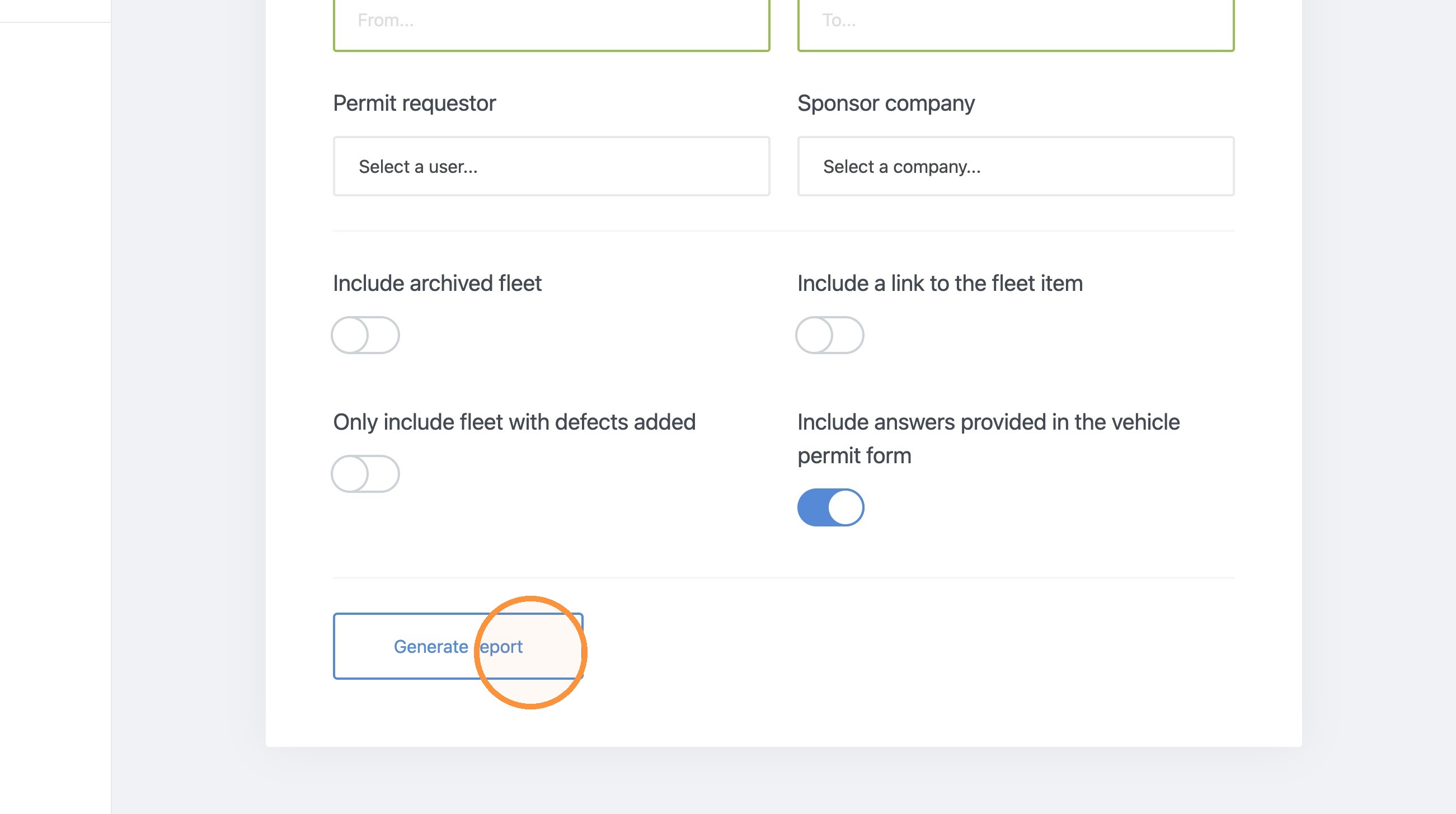
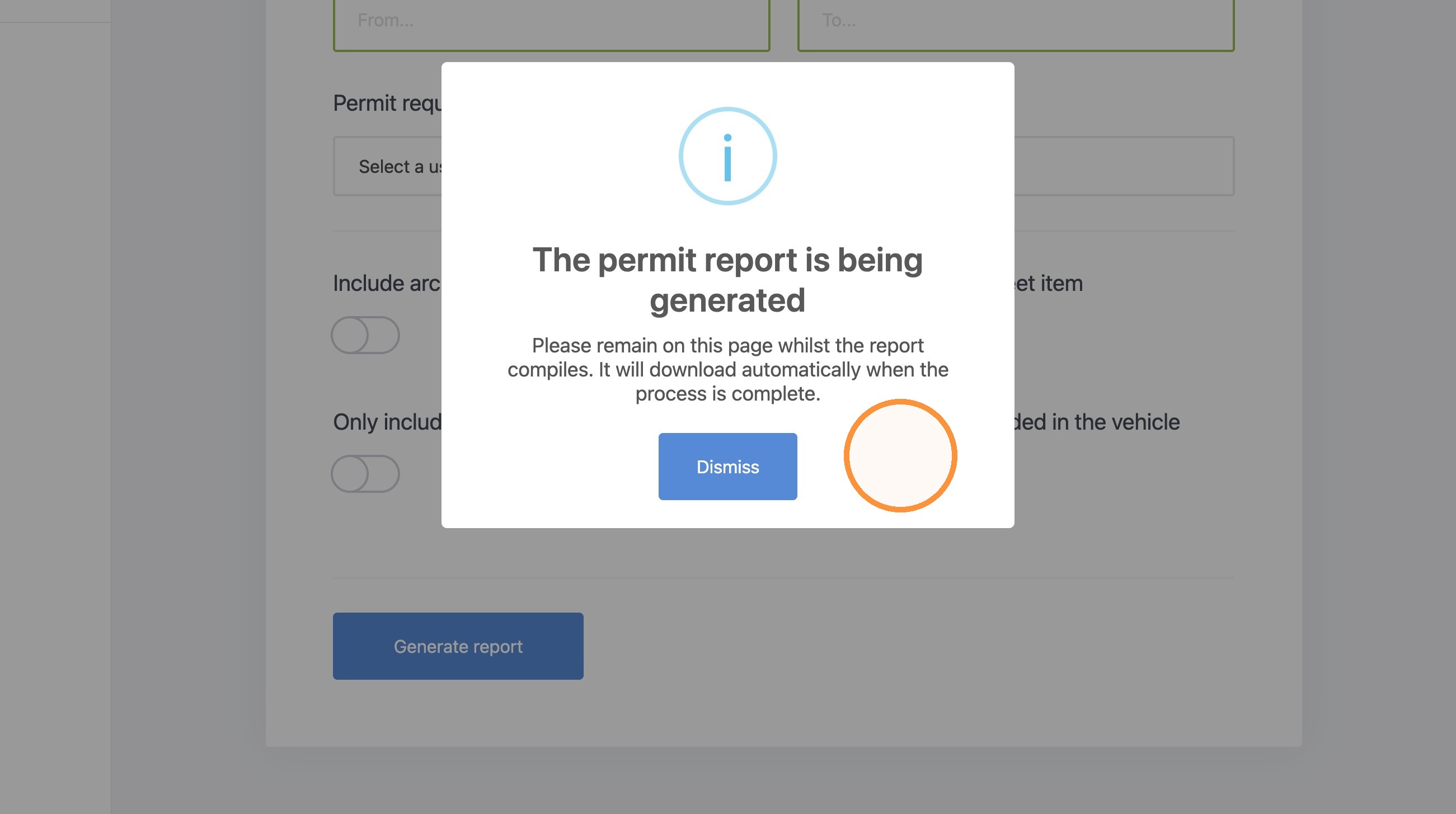
10. You will now see this 'Pop-Up', that the report has been generated as an excel document.